Comments let you and your team leave feedback on specific text in a page without editing the content. Use comments to ask questions, flag issues, or discuss changes before you publish them. Comments live only inside the editor. They are never included in the published site or committed to your repository. All roles—viewers, editors, and admins—can leave and reply to comments. Only editors and admins can resolve comment threads. If your branch has an open pull request, Mintlify adds a summary of unresolved comment threads to the pull request description. The summary lists the files with open comments, the first comment in each thread, and a link to navigate to the comment in the editor. The summary updates when you add, resolve, or delete a comment.

Add a comment

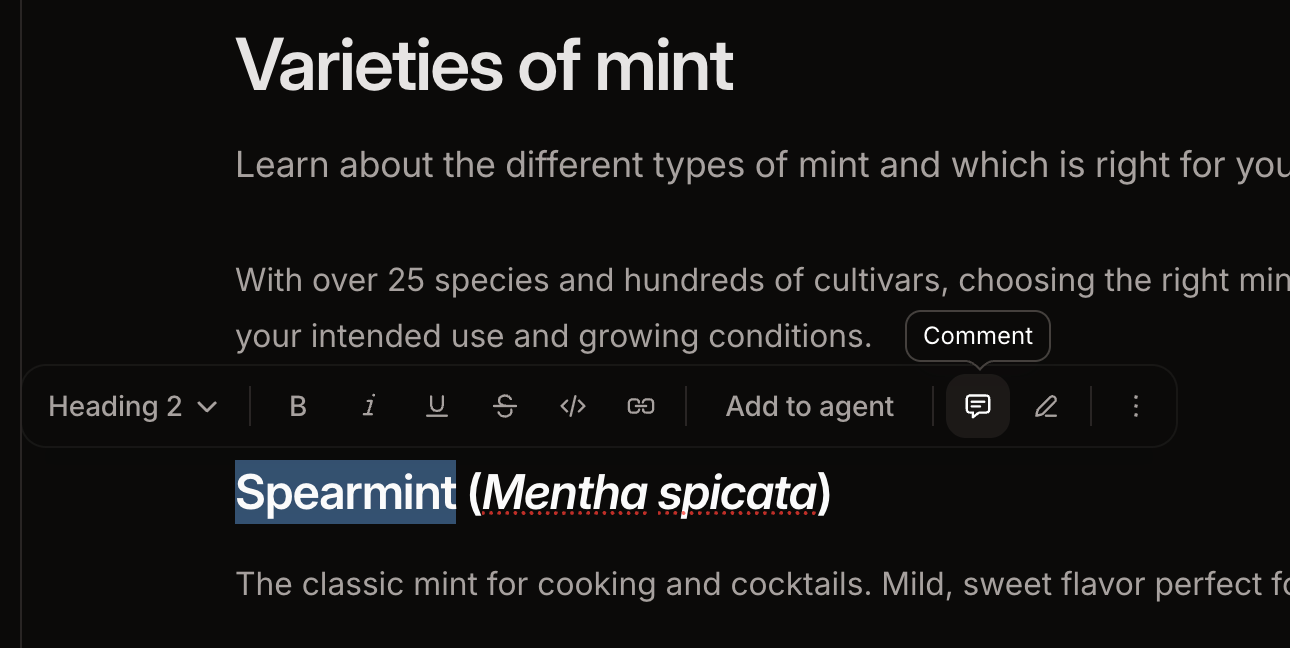
  1. Highlight the text you want to comment on.
  2. Click the Comment icon in the toolbar.
  3. Type your comment and press Enter to submit.
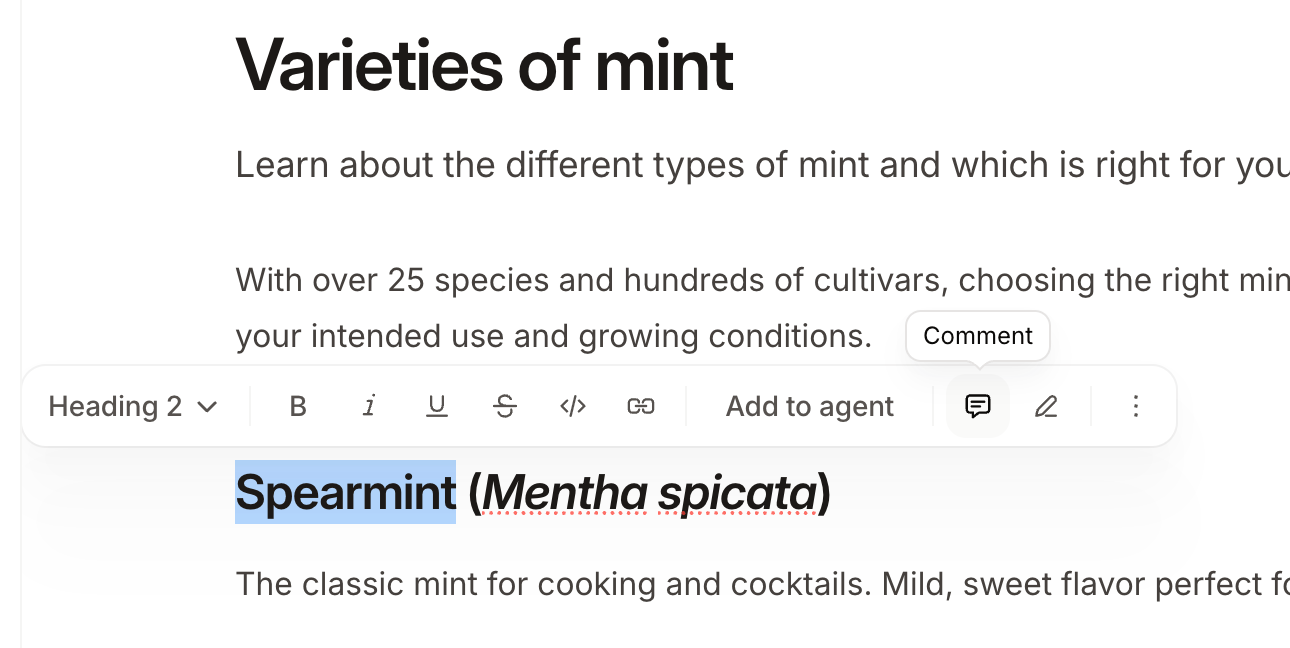
The comment button in the floating toolbar above selected text in the web editor.

Reply to a comment

To open a comment thread, click the highlighted text or click the thread in the comment sidebar. Type your reply and press Enter to submit.


A comment thread opened in the web editor and two comment threads in the sidebar.

Mention a teammate

Type @ in a comment or reply to mention a teammate. People must be a member of your organization for you to mention them. Mentioned teammates receive an email notification.

Resolve a comment

Editors and admins can resolve threads when a discussion is complete. Click the checkmark icon to resolve a thread. Resolved threads are removed from the comment sidebar and the highlight is cleared from the page.
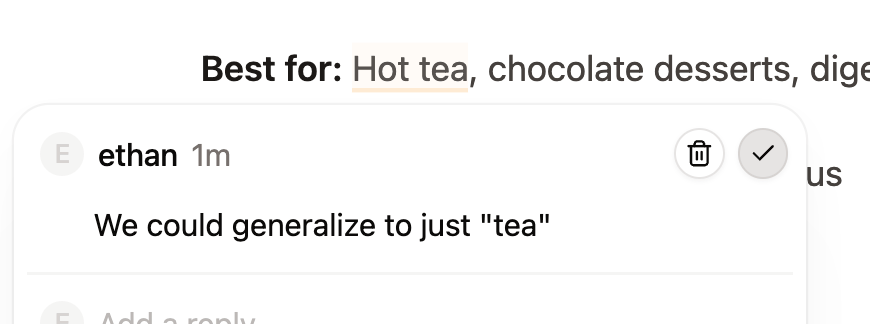
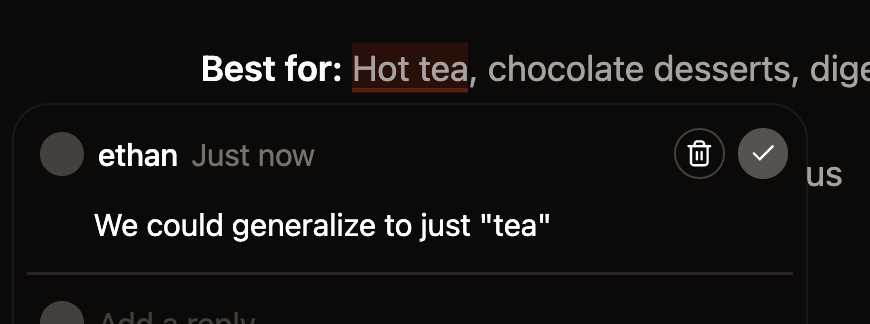
A comment thread opened in the web editor with the checkmark icon to resolve the thread highlighted.

Delete a comment

Click the trashcan icon beside a comment to delete it. Deleting the first comment in a thread deletes the entire thread. You can delete your own comments. Admins can delete any comment.